UX Design

A peek into some of my professional work.

  1. GOOGLE CALENDAR & GEMINI

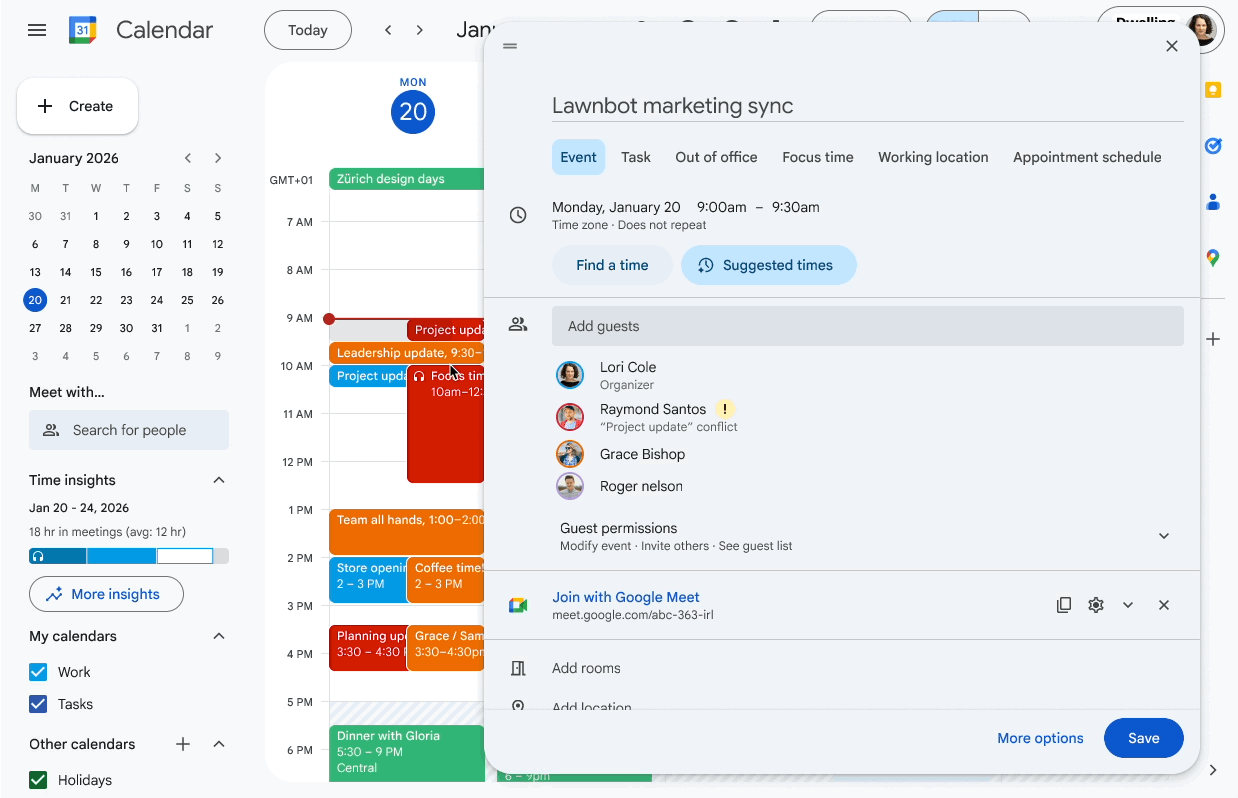
    AI helps you find the best time to meet

    January 2026UX designer & lead • Product vision & strategy partner

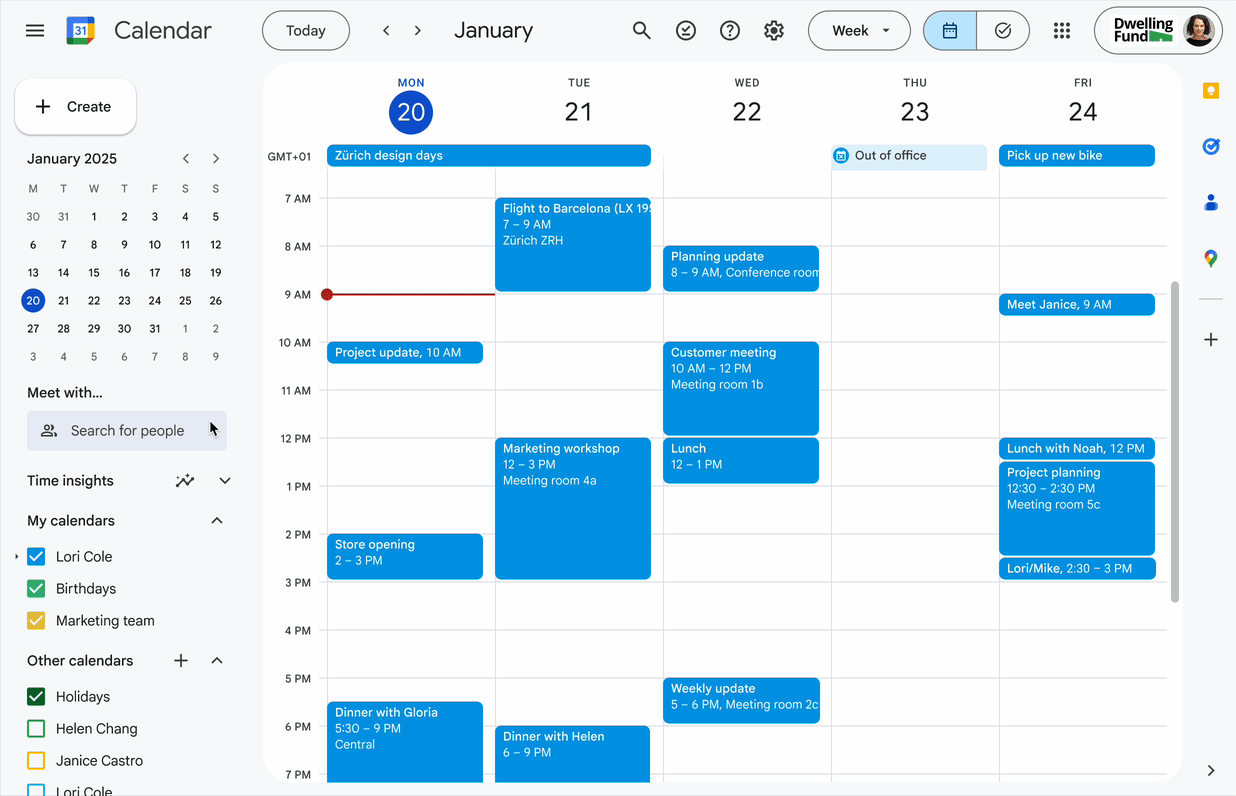
    Finding a meeting time that works for everyone usually takes a lot of back and forth. We designed and built a Gemini-powered scheduling experience into Google Calendar, and I led the UX vision and strategy behind it. When you create or move a meeting, "Suggested times" checks your colleagues' calendars, working hours and time zones and picks the best options for the group. If several people decline, the event shows a banner with a time when everyone is free, so the organizer can update the invite right from there.
  2. GOOGLE CALENDAR + GOOGLE TASKS

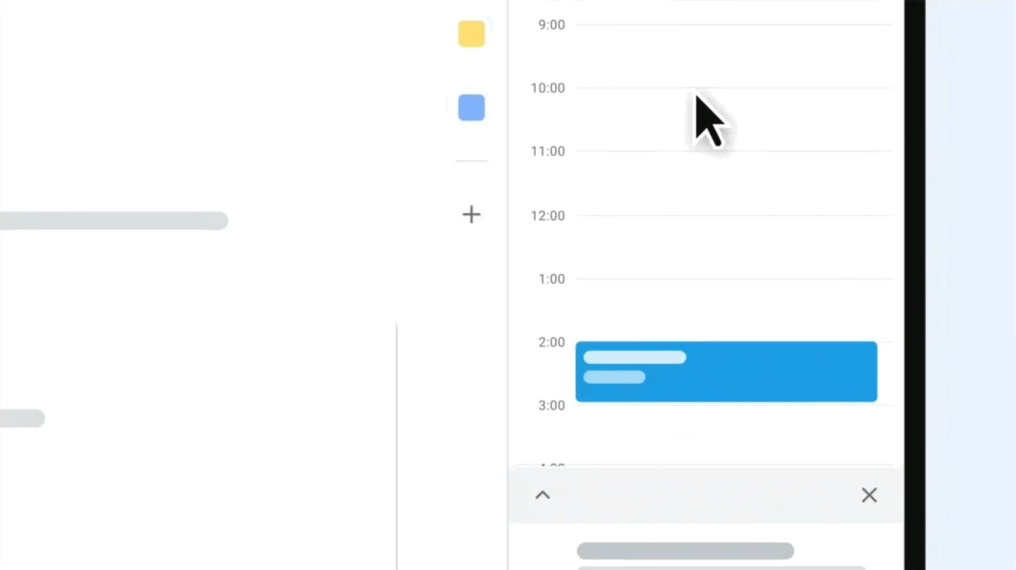
    Block off time to work on a task in Calendar

    November 2025UX designer & lead • Product vision & strategy partner

    Plenty of people keep their to-dos in Google Tasks but never get time on their calendar to actually work on them. We built a new way to book that time right in Google Calendar. I designed it, and led its UX strategy and vision. You can block off as much time as you need to finish a task, which helps you plan your day around the work. The task also stays on your task list (and keeps reminding you) until it's marked complete.

  3. GMAIL & GOOGLE CALENDAR

    Scheduling from email

    July 2023UX designer & lead • Motion designer • Product vision & strategy partner

    Scheduling a meeting over email takes a lot of back and forth, especially with people outside your own organization. We designed and built a new integrated scheduling experience into Gmail. The feature “Offer times you’re free” lets you pick slots from your calendar and insert them into the message you are composing.

  4. GOOGLE CALENDAR

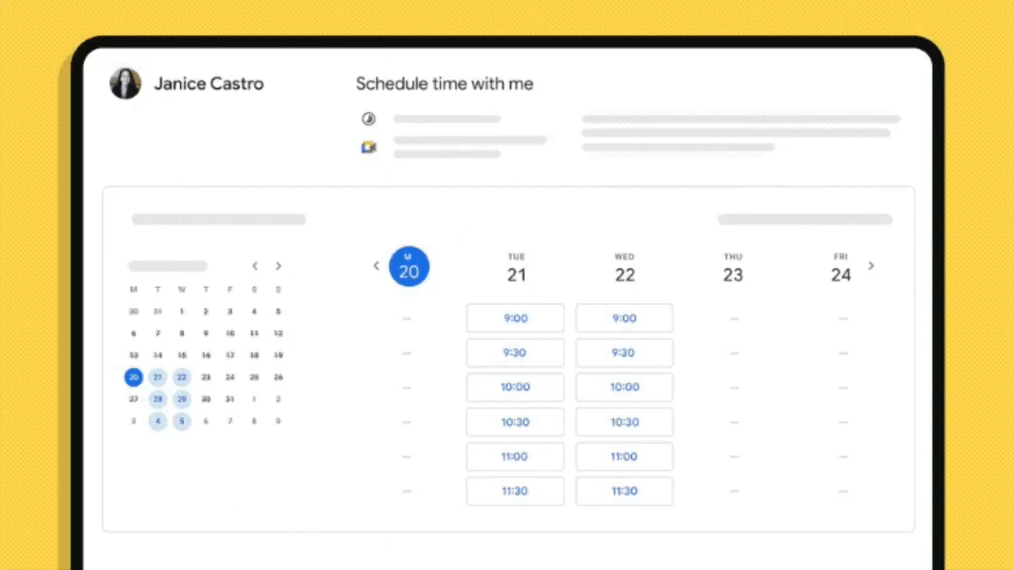
    Appointment scheduling

    July 2021 to July 2023UX designer & lead • Product vision & strategy partner • Motion designer

    Calendar had an old, neglected feature called Appointment slots. At the end of 2020 I pitched rebuilding it as a paid upgrade, for a new Google Workspace plan that was aimed at paying individuals for the first time. We designed and built it from the ground up and launched the first version six months later, then kept adding to it across seven more releases over the next two years. I led the design for all of them.

  5. GOOGLE CALENDAR

    People-first scheduling

    April 2019UX designer, prototyper • Product vision & strategy partner

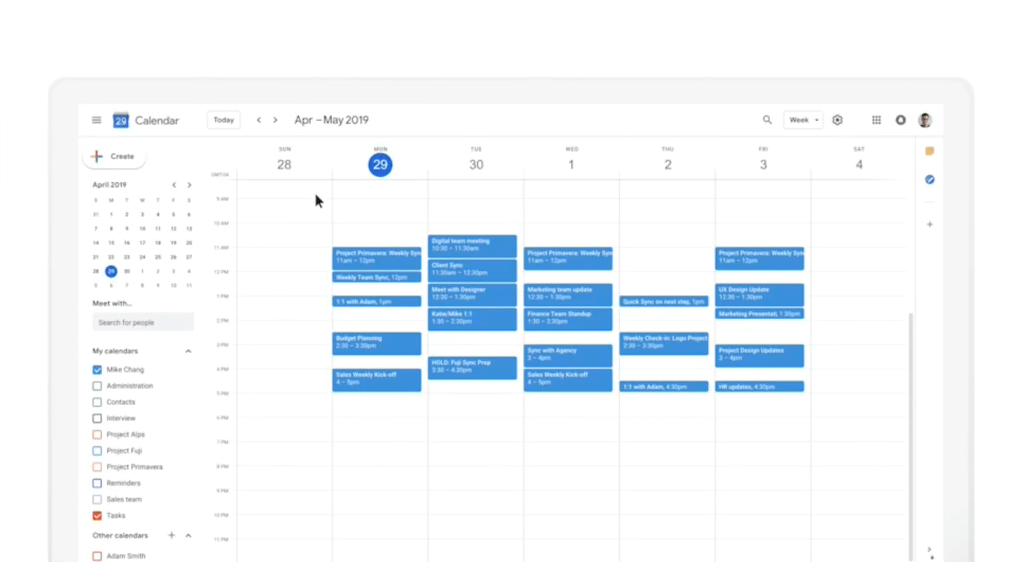
    I completely revamped the event creation experience in Google Calendar, making it easier to schedule meetings with other people without leaving the context of your calendar grid.

    Following the designs and the long-term vision prototype I built using real Calendar API data, we launched the first part of the vision: people-first scheduling, with 1:1 meetings that title themselves and meeting rooms selected automatically. Scheduling a meeting got 8% faster.

  6. GOOGLE DOCS, GOOGLE SHEETS, & GOOGLE SLIDES

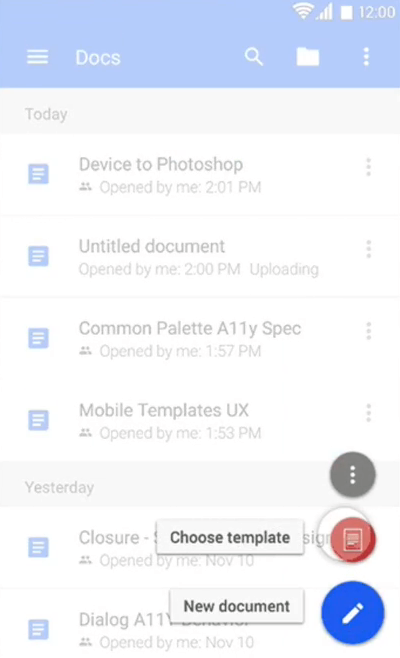
    Mobile template picker

    December 2015UX designer, prototyper • Product vision & strategy partner

    After launching the template pickers for Docs, Sheets and Slides on the web, we brought them to the mobile apps as well. Launched on both iOS and Android.

  7. GOOGLE DOCS, GOOGLE SHEETS, & GOOGLE SLIDES

    Home screen templates

    September 2015UX designer • Product vision & strategy partner • Frontend engineer

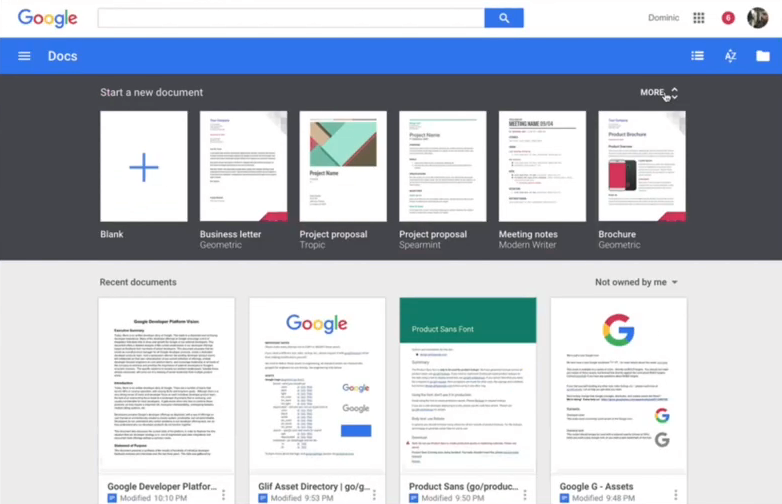
    Designed and launched the template pickers on the Docs, Sheets and Slides home screens. The project also meant leading all three design teams through creating 64 templates from scratch, to show what the apps could actually make. I stepped in to help the small frontend team with some of the more complicated animation code and UI polish, writing 782 lines of production code.

  8. GOOGLE DOCS, GOOGLE SHEETS, & GOOGLE SLIDES

    Material redesign: UI framework

    August 2014UX lead, designer • Product strategy & vision

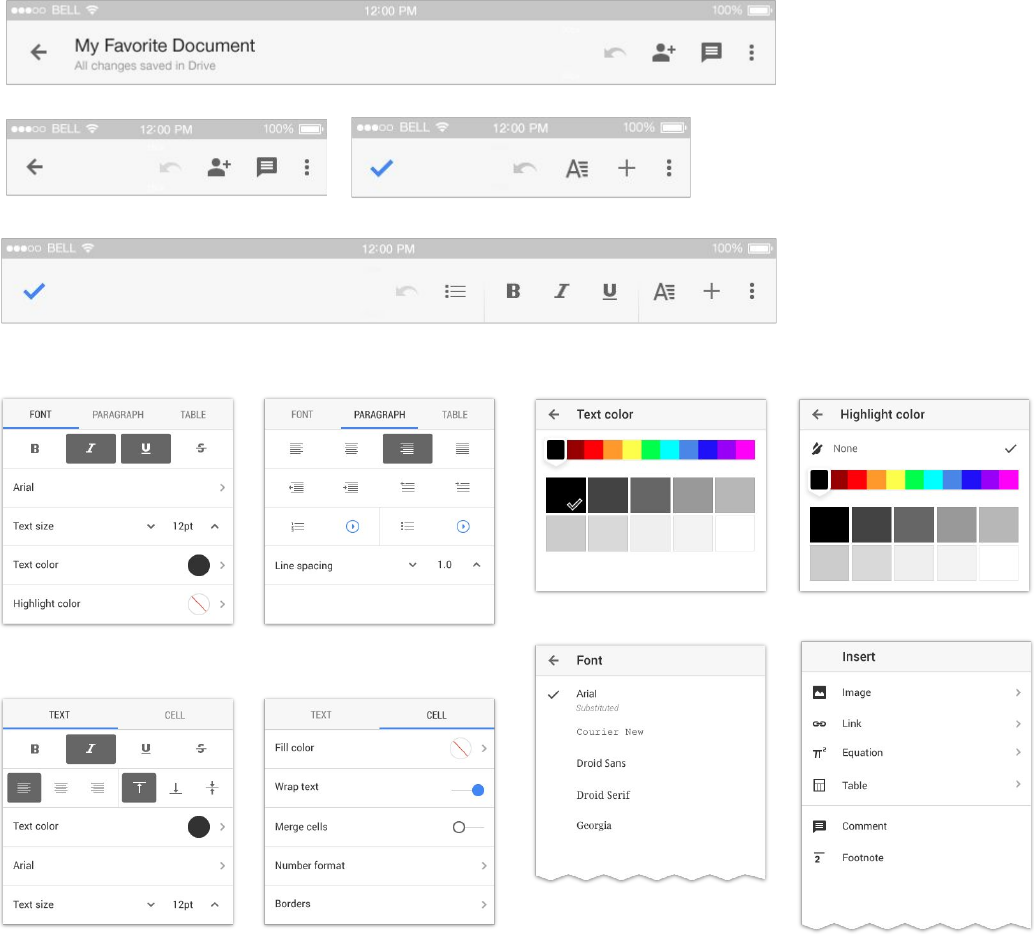
    Led a team of 11 designers, drawn from the Docs, Sheets and Slides teams and the newly acquired Quickoffice team, in revamping the shared UI framework across web, iOS and Android, so the apps could edit both Google and Microsoft Office files.

  9. GOOGLE DOCS, GOOGLE SHEETS, & GOOGLE SLIDES

    Material redesign: Overflow menus

    August 2014UX designer

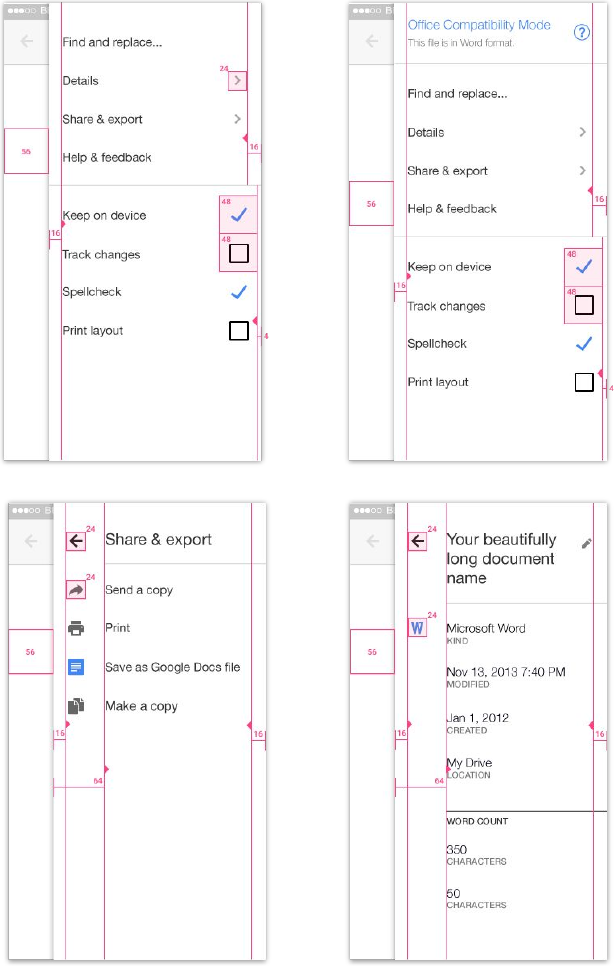
    Designed a new overflow menu pattern that used a full-height side panel, with room for all the details of a file, including editing the title.

  10. GOOGLE DOCS, GOOGLE SHEETS, & GOOGLE SLIDES

    New desktop home screens

    July 2014UX designer • Product vision & strategy partner • Frontend engineer

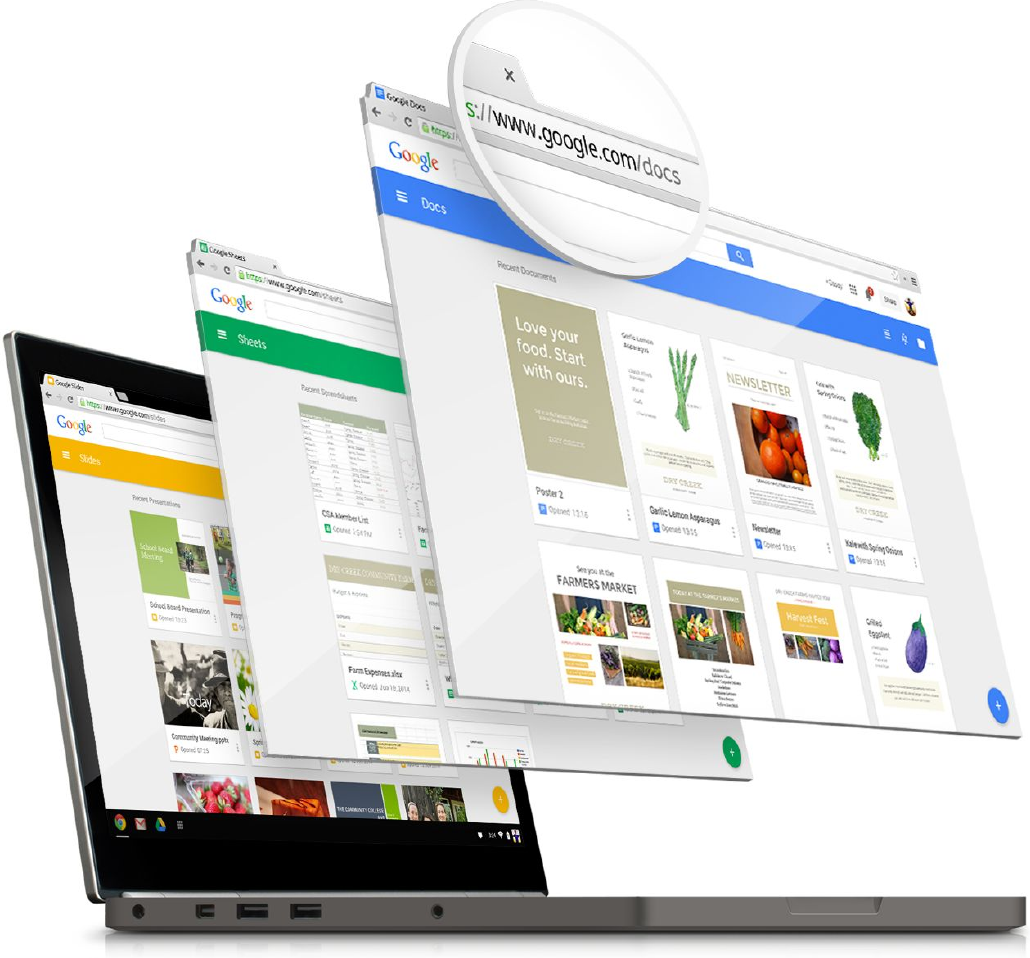
    The new standalone mobile apps were bringing people to Docs, Sheets and Slides for the first time. We designed entirely new home pages for each of them on the web. I also stepped in to help write 1,149 lines of the production code behind the animation and UI updates for launch.

  11. GOOGLE DRIVE

    iOS Drive 2.0 redesign

    September 2013UX designer, prototyper • Product vision & strategy partner

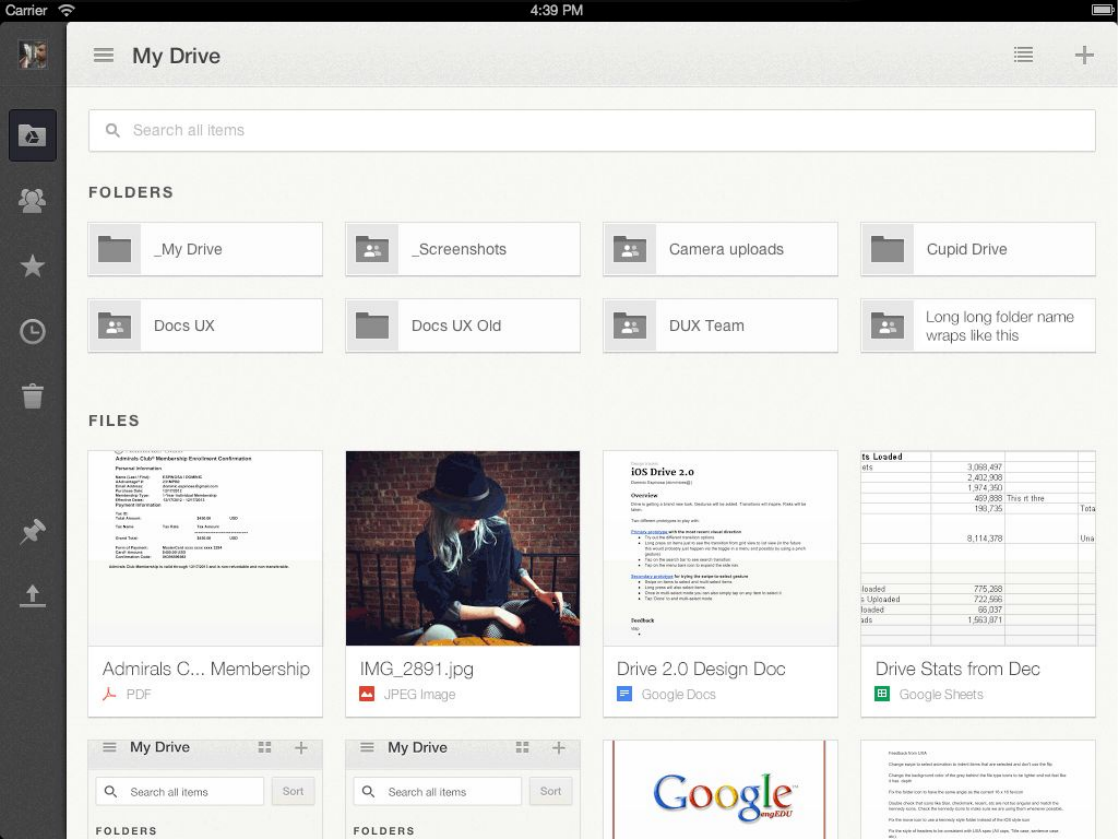
    As part of a new cross-Google effort to unify iOS designs, I redesigned the recently launched 1.0 version of the Drive app around more modern design patterns. I also introduced thumbnails and a grid view, a first for Drive.

  12. GOOGLE DRIVE FOR iOS

    Comments in Docs and Sheets

    June 2013UX designer, prototyper • Product vision & strategy partner

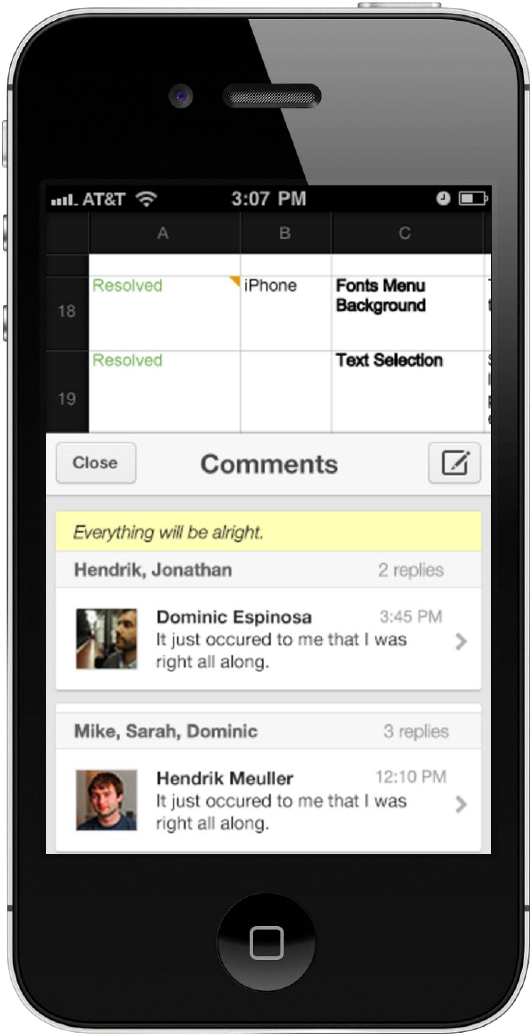
    Much of the value of having the editor apps on your phone is being able to work on a file with other people, not just open it. We launched new capabilities to add and respond to comments, and I designed a half-sheet pattern that lets people read a comment in the context of the document before replying.

  13. GOOGLE DRIVE FOR iOS

    The first mobile editor for Google Sheets

    November 2012UX designer • Product vision & strategy partner

    For the first time, you could edit Google Sheets (only called Google spreadsheets at the time) in your iOS Drive app.

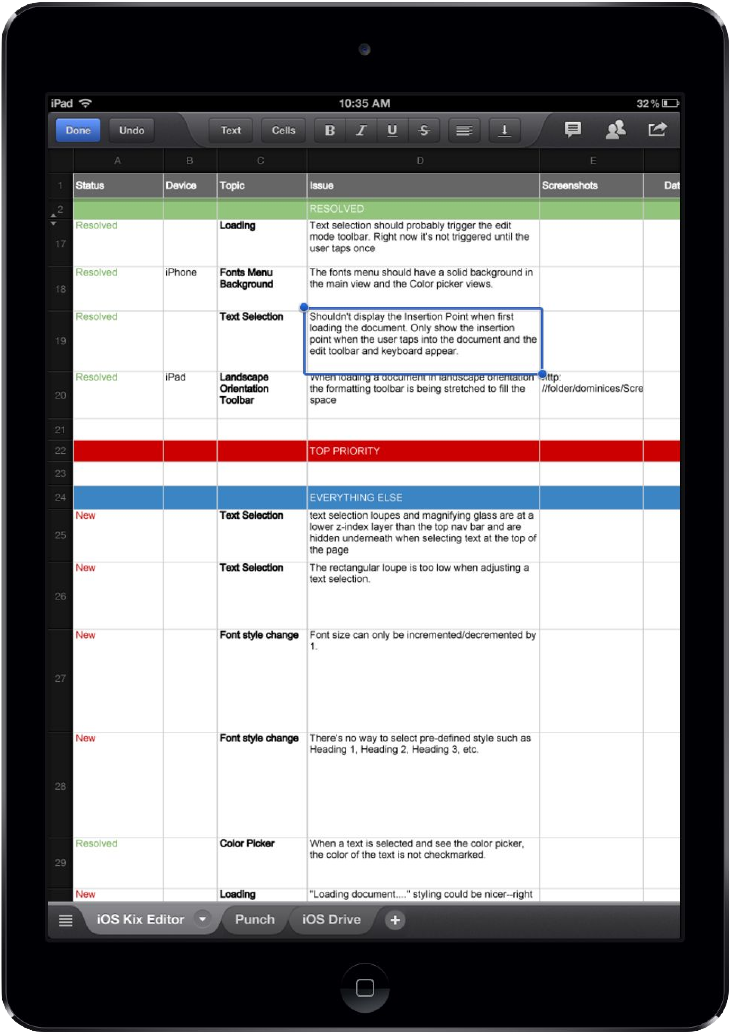
    I reinvented the web spreadsheet editor framework for mobile touch devices, creating new patterns for selecting, editing and formatting cells.

  14. GOOGLE DRIVE FOR iOS

    The first mobile editor for Google Docs

    September 2012UX designer • Product vision & strategy partner

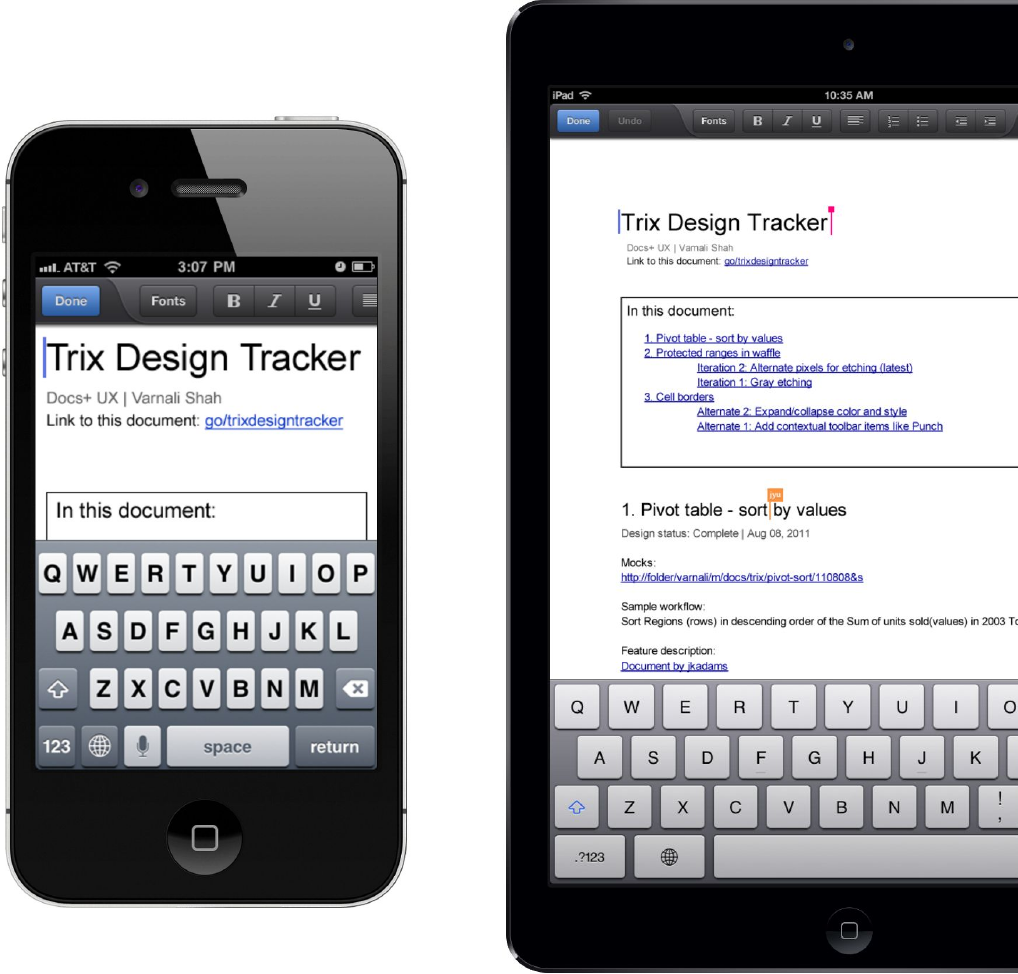
    With the first launch of iOS Drive in April 2012 we created a new mobile app focused on viewing and accessing your files from anywhere. Editing documents, spreadsheets and presentations would come only with later launches. The first of those was document editing.

    Before flat design took over, skeuomorphism was king on iOS. I created a new UI framework for formatting text content on mobile touch devices, and gave it the tactile look and feel that helped the product feel at home in the iOS ecosystem.